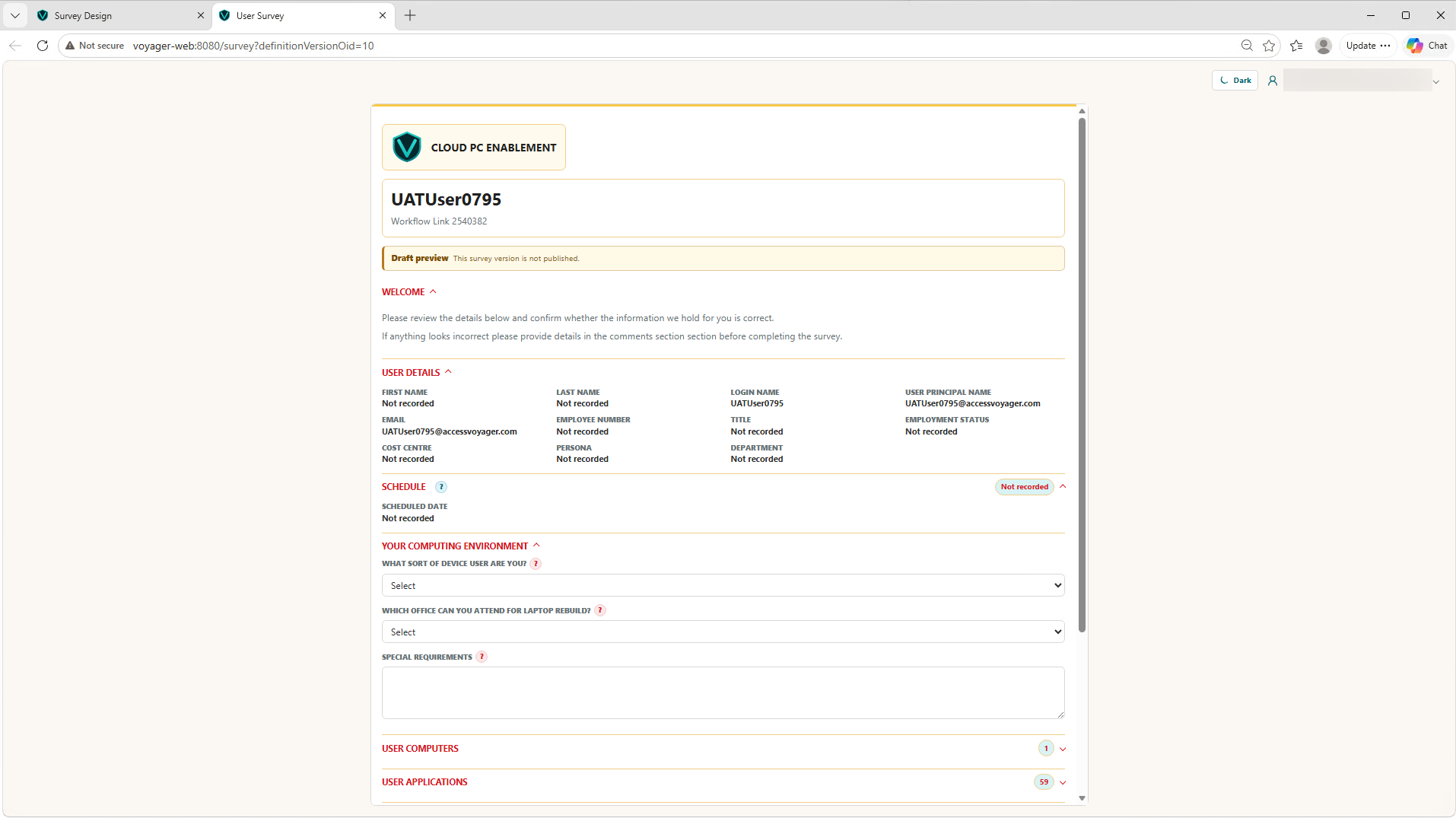
Voyager brings every dimension of your migration programme into a single, unified platform — so you always know what's happening and what to do next.
Voyager's Business Users view gives you a live, searchable record of every user in scope — including their persona, business unit, readiness status, and migration assignment.
With data sourced directly from Microsoft Entra and your HR systems, you're never working from a stale spreadsheet again.
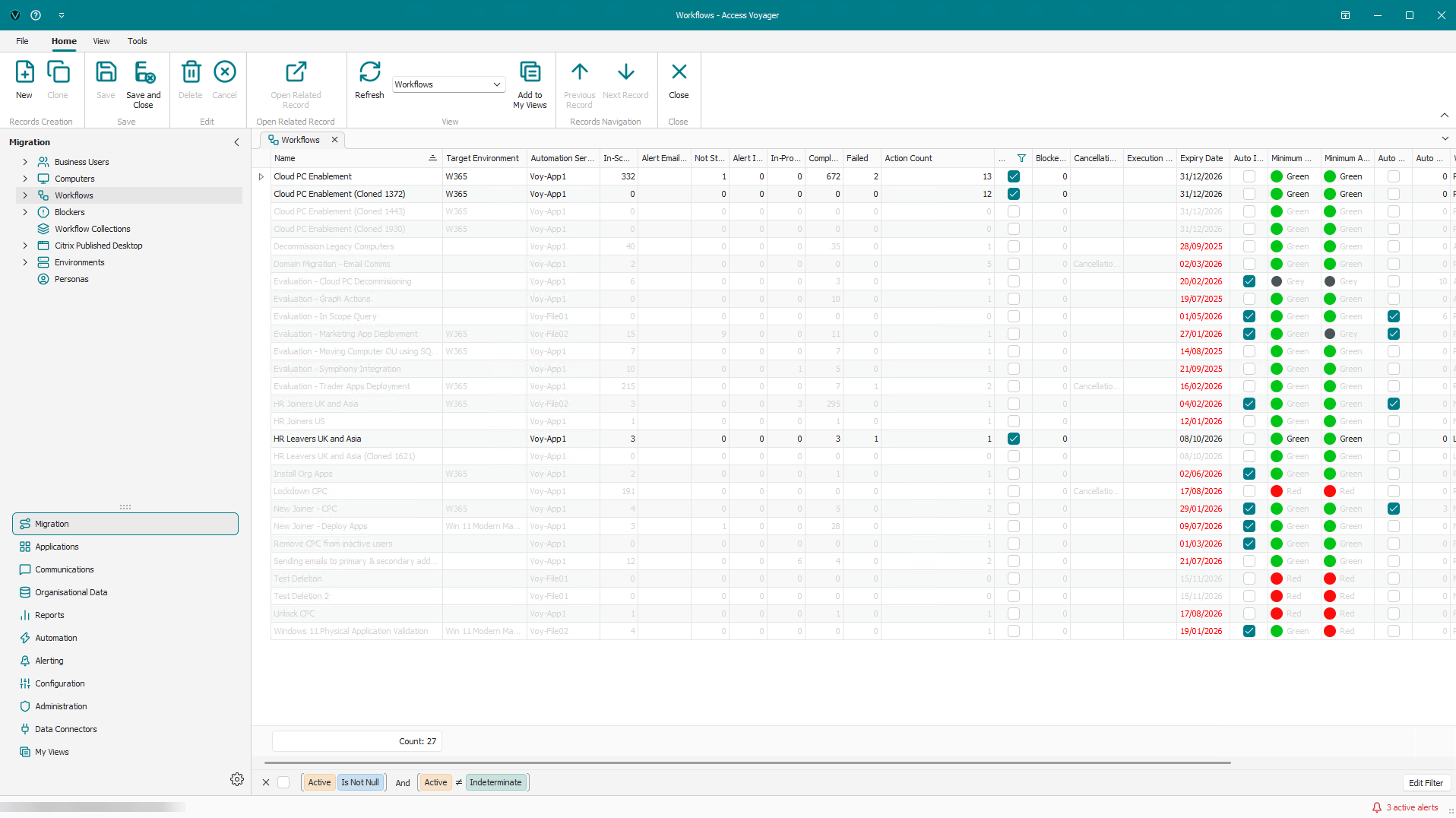
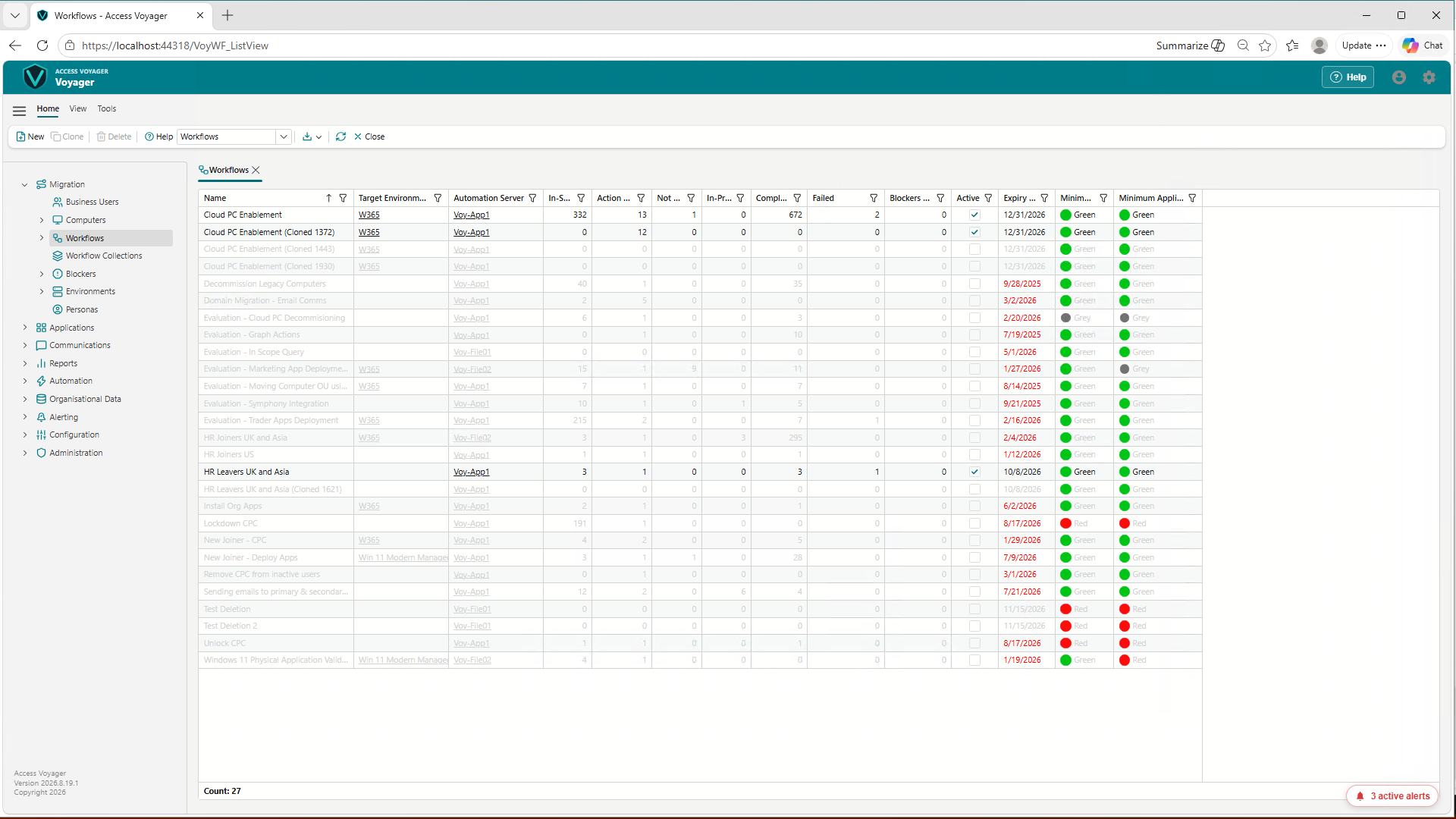
Define, schedule, and run complex multi-step workflows without writing a line of code. Voyager's workflow engine covers everything from pre-migration notifications to post-migration cleanup.
Each workflow has a full execution history, live step tracking, and configurable retry logic — so you're never left guessing.
Drill into any running or completed workflow to see every execution step, action outcome, and associated user — in real time. Identify bottlenecks, failed steps, and remediation actions instantly.
Voyager maintains a live inventory of every device in your migration scope — virtual machines, physical endpoints, and Cloud PCs. Track platform type, purchase dates, send dates, and removal schedules all in one place.
Voyager is available through both a Windows desktop interface and a web interface, with feature parity between them so teams can use the experience that best suits the task, location, and operating model.
A fully customisable, governed T-minus schedule that automates every phase of the migration journey, from readiness assessment through to legacy decommission.
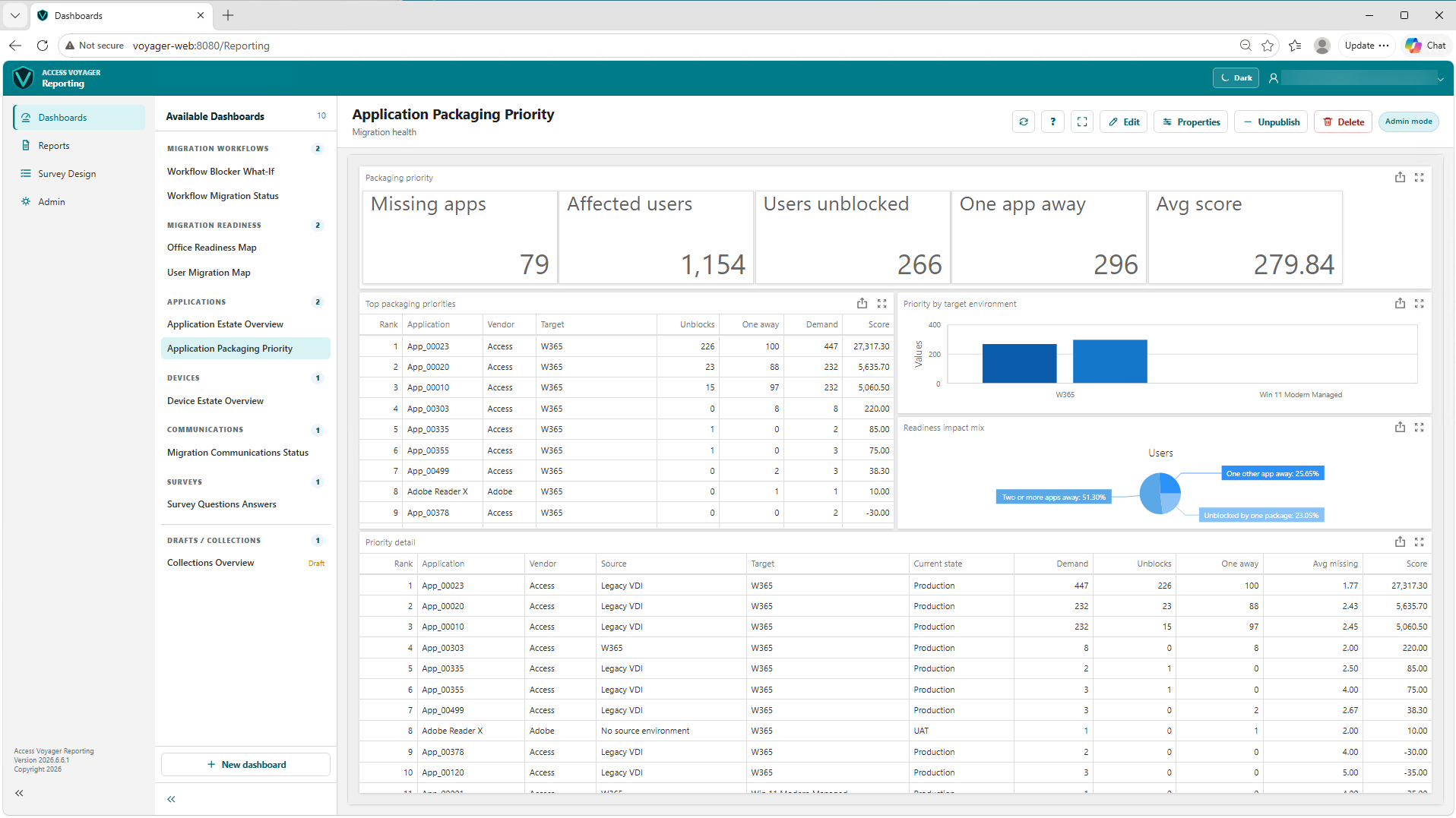
Voyager combines analytics, readiness scoring, automation, and reporting so migration teams can reduce manual effort while keeping users and stakeholders informed.
Powerful analytics and workflow visibility help keep the environment current, measurable, and ready for migration decisions.
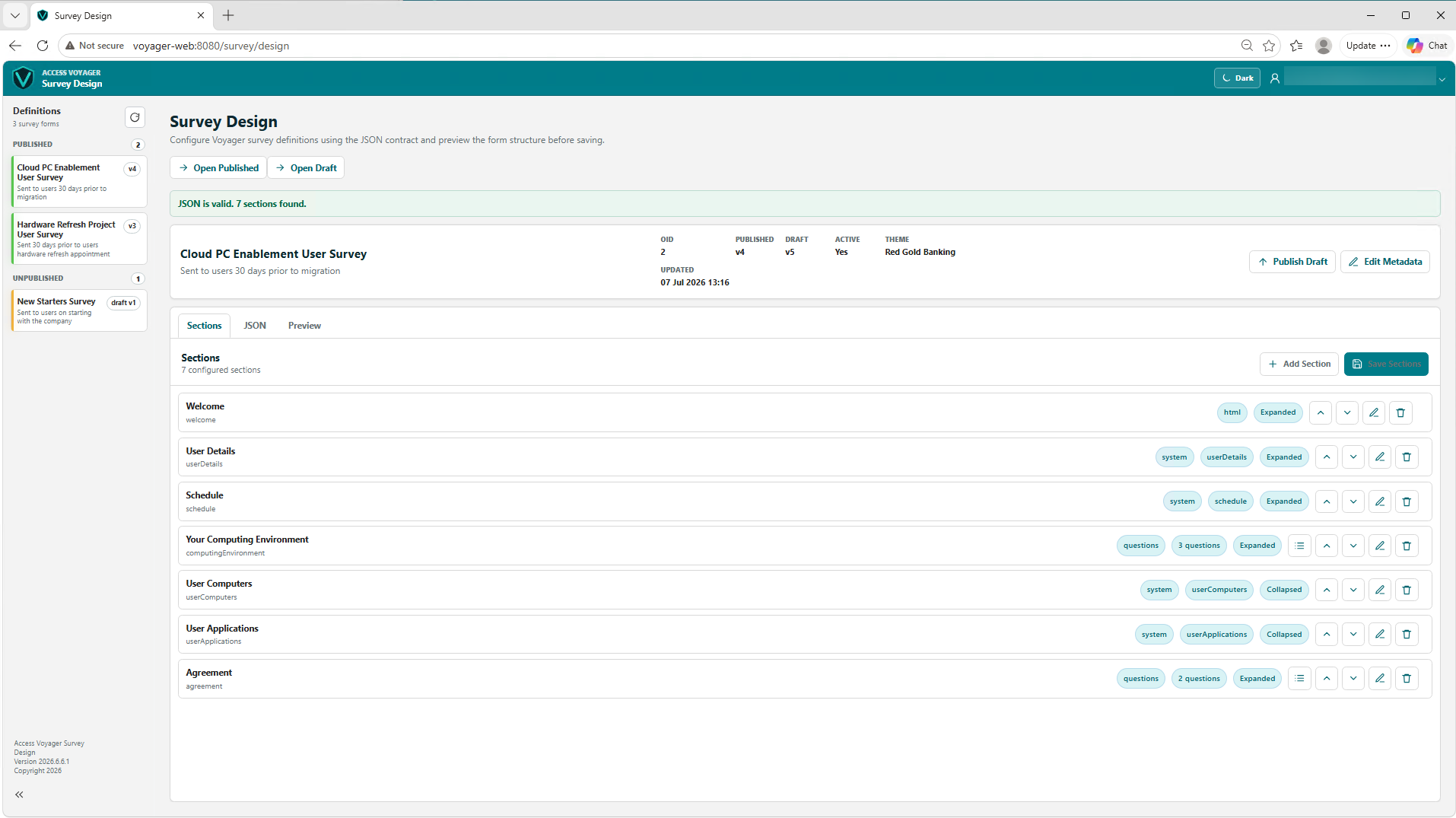
Built-in reporting allows end users and stakeholders to create role-based views without relying on manual spreadsheet extracts.
Tasks can be automated by entering the migration date or by applying defined criteria such as user group, readiness state, location, wave, or device profile.
This reduces manual handling and helps prevent errors across repeatable migration activity.
Teams can quickly view candidacy information and user readiness through clear RAG status indicators.
Application readiness and migration readiness can also be scored, tracked, and resolved before the cutover window.
User-centric migrations can be fully automated from one desktop platform to another, with workflow steps coordinated around the individual user journey.
Automated joiner, mover, and leaver activities can also be executed as part of the wider migration operating model.
Voyager structures every programme into a repeatable, auditable process — from initial scoping through to post-migration validation.
Voyager is built for the Microsoft cloud — with native connectors for every key platform in your migration programme.
See how Voyager can accelerate your migration programme — without the complexity, cost overruns, or hidden risks.
Arrange a Demo