VOYAGER FEATURES
Voyager integrates with all required services and applications to gather and track migration readiness data, enabling effective prioritisation of user migrations and ensuring that migration blockers are fully understood. Once a group of users are scheduled Voyager fully automates the migration of users from one platform to another.

Powerful analytics capability & workflows to ensure an Evergreen environment.
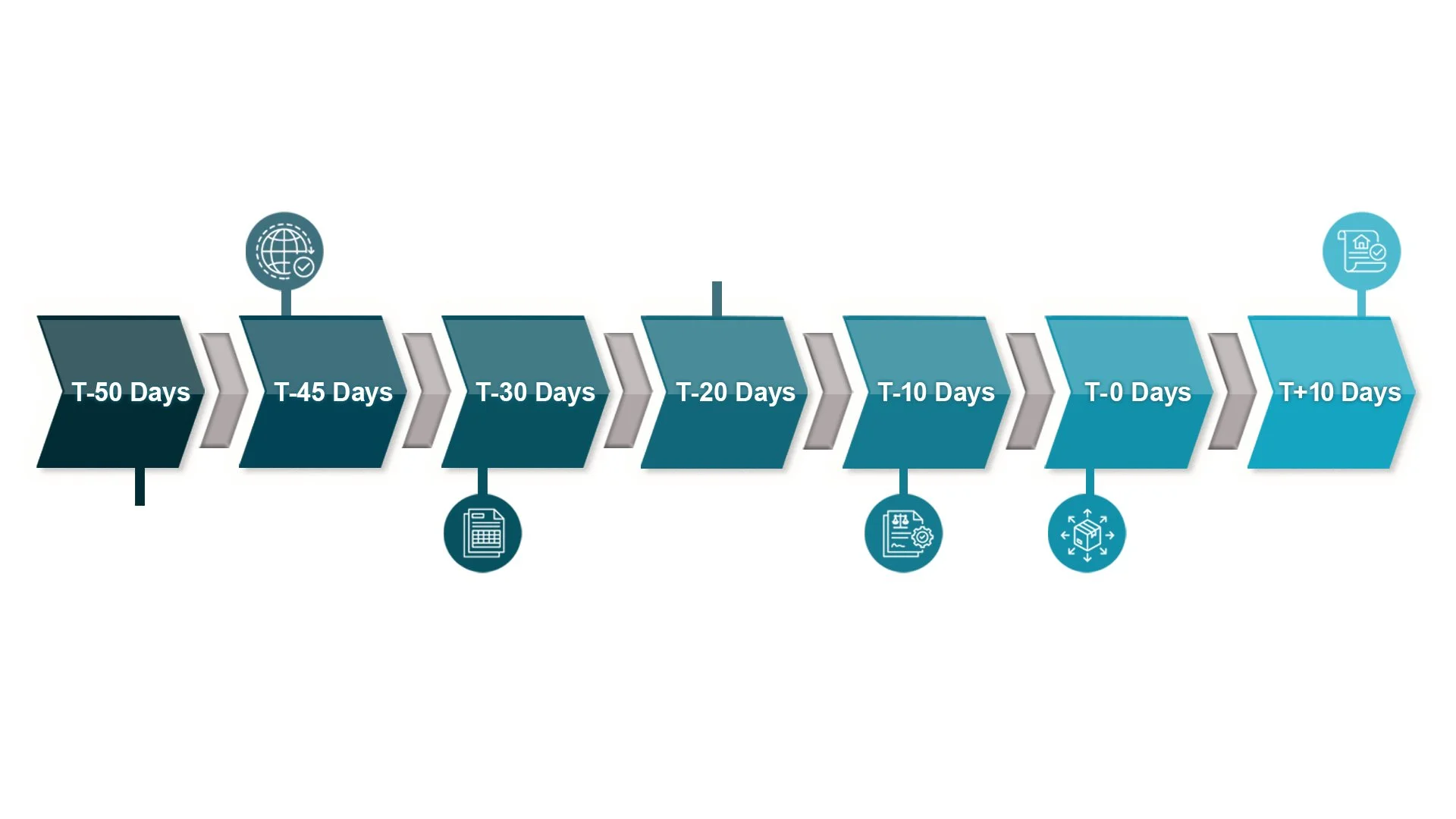
Automate every task for migration by simply entering the migration date or fully automating the process based on defined criteria.
Accelerate and reduce manual errors in your IT migration project by utilising automation every step of the way.
Out-of-the-box reporting functionality, which end users & stakeholders can utilise to create bespoke reports.
Easy to view candidacy information, which shows user readiness via a RAG status.
There is also a RAG status for application readiness & migration blocker readiness.
Any user centric migrations are able to be fully automated. e.g. from one desktop platform to another.
Automated JML activities can be executed.